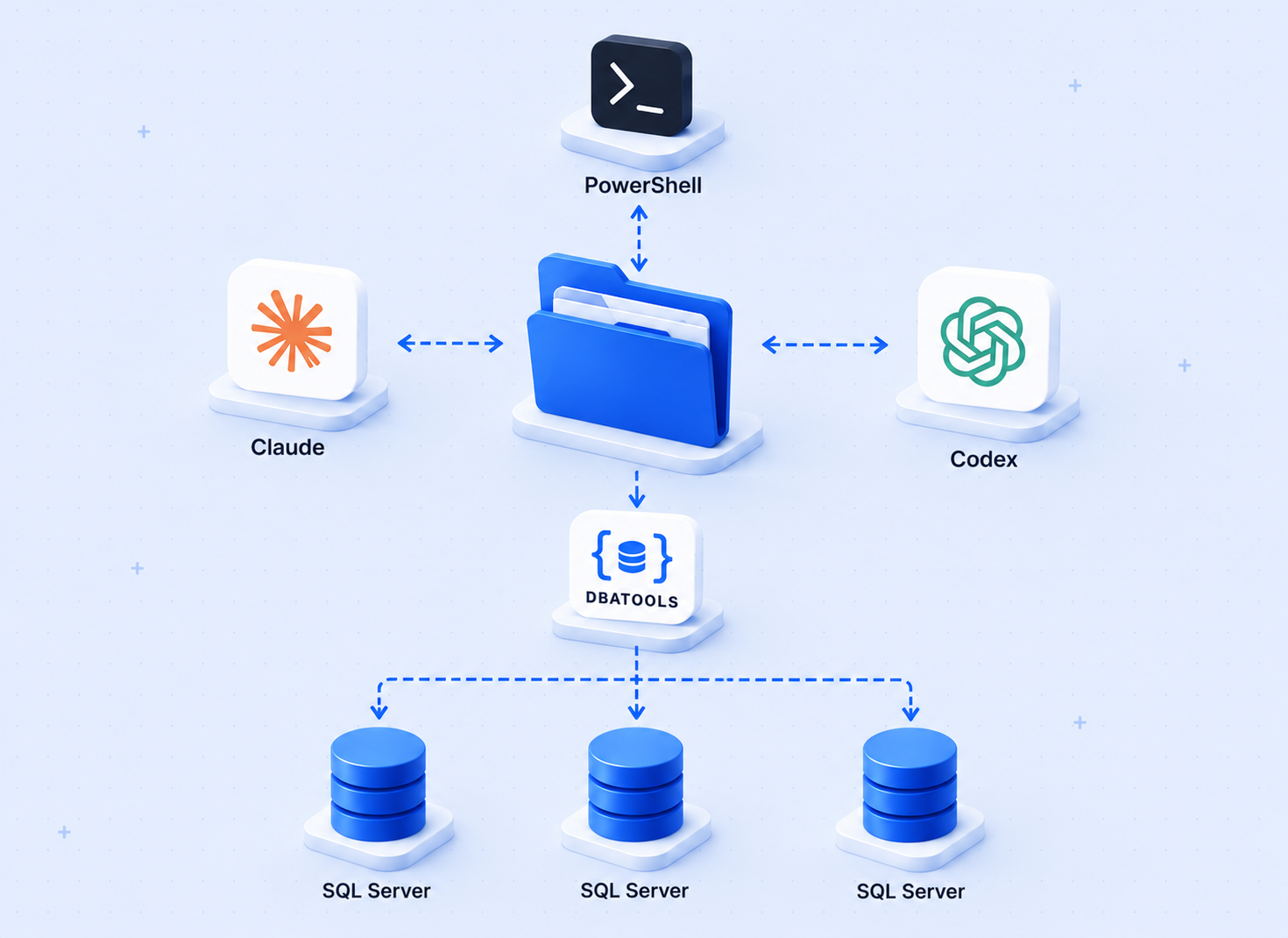
Every time you want to ask your database a simple question, you write T-SQL. Even when the question is obvious: which tables are the biggest? which jobs failed last night? how many rows are in this table?
For a DBA that is routine. For anyone else, it is a barrier. And even for me, there are moments where I just want a quick answer without thinking about joins and column names.
So I built a tool that removes that barrier. You ask the question in plain English. It handles the rest.
How It Works
The tool is called AskSQLServer. The idea is simple:
- Clone the repo and open the folder in VS Code
- Type
Setup AskSQLServerin the Claude Code chat - Claude asks for your instance name, database, and authentication type
- It tests the connection, reads the schema, and confirms when you are ready
- Start asking questions
After setup, you ask things like:
Claude reads the schema, generates the T-SQL, executes it, and returns results. You see a table in the terminal, or if you add "as HTML" to your question, it saves a formatted report and opens it in your browser.
You never write T-SQL. You never look up column names. You just ask.
The Setup Experience
When you type Setup AskSQLServer, Claude walks you through it one question at a time:
No config files to edit manually. No scripts to run yourself. Claude handles all of it.
The Schema Step
During setup, AskSQLServer reads your database schema — every table, view, and column — and saves it as a local file. Claude reads that file every time you ask a question. It knows your exact table and column names before it writes a single line of T-SQL.
This is what makes the plain-English translation reliable. Claude is not guessing. It has the full picture.
If your schema changes later, you type Refresh Schema and Claude rebuilds it.
What You Get Back
By default, results come back as a table in the terminal:
If you say "as HTML", you get a formatted report saved to your output folder and opened in your browser. The report includes the results, the T-SQL that was used, and a timestamp. It is self-contained — no external dependencies, no internet needed to view it.
What It Will Not Do
AskSQLServer is read-only. Claude will not execute DROP, DELETE, TRUNCATE, ALTER, or any statement that changes data or structure. If you ask it to delete something, it refuses.
It also uses Windows Authentication by default. If you need SQL Authentication, the setup wizard handles it — the password is encrypted and stored locally using DPAPI. It never appears in any file as plain text.
Why the Schema-First Approach
Earlier versions of this kind of tool tried to read the schema on every question. That works, but it adds overhead and a round-trip to the database before every answer.
The schema-first approach is faster and more reliable. You build the schema once. Claude uses it every time. The only cost is a manual refresh when the database structure actually changes — which for most databases is not that often.
I tested this against a real ticket tracking database. The setup took under two minutes. After that, questions that used to take me thirty seconds to write as T-SQL came back in about five seconds of typing plain English.
Getting Started
The code is on GitHub: AskSQLServer
You need:
- Windows with PowerShell 5.1
- A SQL Server instance you can connect to
- Claude Code installed (VS Code extension or CLI)
Invoke-Sqlcmd— comes with SSMS or the SqlServer PowerShell module
Clone the repo, open it in VS Code, type Setup AskSQLServer. That is it.
If You Already Know Claude Code
The setup wizard is just a convenient way to create a config file and two scripts. If you want to understand what gets created or edit settings manually after setup, here is the layout:
The only file you ever need to edit directly is config\config.ps1:
After changing the config, run Refresh Schema to rebuild the schema file.
One Thing to Keep in Mind
This is an AI tool. Claude generates accurate T-SQL from straightforward questions, but complex multi-table joins or questions that require business logic the schema cannot express may need a follow-up or a clarification.
For simple to moderately complex questions it works well. The T-SQL Claude generates is always shown in the output, so you can review it, learn from it, or copy it for use elsewhere.
If you try it, let me know how it works against your database.