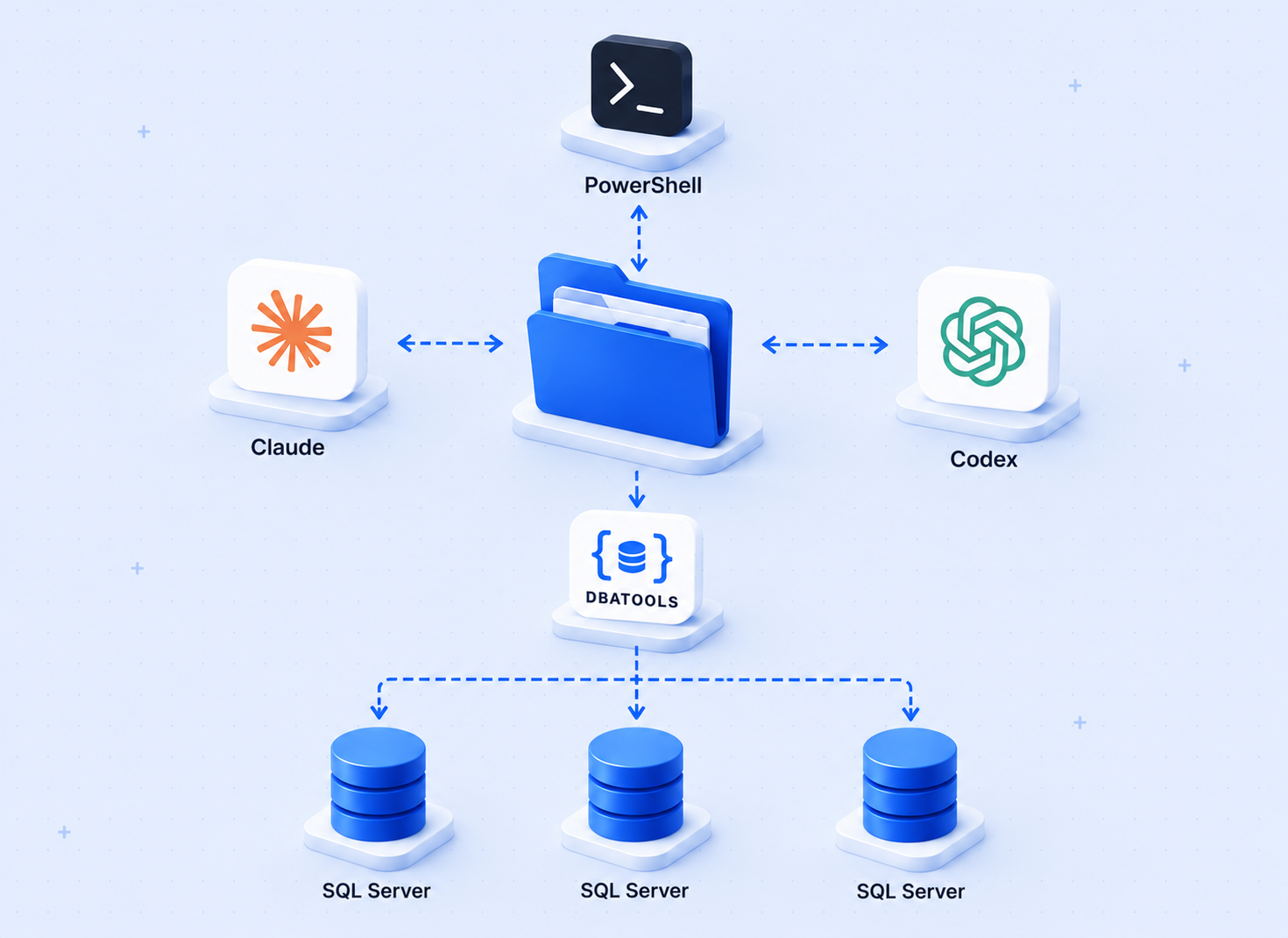
It's Friday at 4 PM.
You're minutes away from shutting down your laptop, heading home, and kicking off the weekend with family and a backyard BBQ planned for tomorrow.
Then the manager calls, and the tone alone tells you this is not a routine question.
An UPDATE statement without a WHERE clause was executed against a production AG database.
Every minute spent hunting backup history across replicas is another minute the business remains down. The pressure is no longer on finding the problem — it is on restoring service as quickly as possible.
This is not the time to manually piece together backup history from multiple AG replicas, analyze failovers, locate backup files, and build a restore chain by hand.
SqlRestoreScriptBuilder does that automatically.
While others are still gathering backup information, you already have a complete restore script in hand and are ready to recover the database to the exact point in time before the mistake occurred.
The problem with existing tools
Most restore script generators query a single instance's msdb. That works for standalone databases. For AG databases it fails in two specific ways.
First, AG backup history does not replicate between replicas. If the secondary node takes all the backups (which is the recommended configuration with secondary_only preference), the primary's msdb has no record of them. A tool that queries only the primary may find an incomplete or unusable backup chain.
Second, after an AG failover the preferred backup node changes. Log backups taken before the failover are on the old secondary. Log backups taken after the failover are on the new secondary. The log chain is split across two servers with two different local path formats. Any tool that does not track which node recorded each backup will either miss half the chain or generate paths that point to the wrong server.
After evaluating sp_DatabaseRestore, sp_RestoreScriptGenie, and sp_RestoreGene directly, no existing non-dbatools solution handles both scenarios. The AG multi-replica msdb merge and post-failover split chain are unaddressed by every tool examined.
What SqlRestoreScriptBuilder does differently
The tool queries msdb on every AG replica, not just the instance you point it at. It merges the results and deduplicates by backup_set_uuid (not backup_set_id, which is per-instance and not globally unique). Each backup row is tagged with the msdb instance that recorded it. When generating the restore script, local paths like C:\SQLBackups\... are converted to UNC admin shares using that tag: \\NodeName\C$\SQLBackups\....
For a post-failover restore this means the generated script looks like this:
The LSN chain is continuous across the failover boundary. SQL Server validates this when you run the script — if the chain is broken, the restore fails immediately.
Capability comparison
Live test results
I tested this in a VMware lab with SQL Server 2022, two-node Always On AG, with secondary_only backup preference.
The key test was a post-failover restore (T05). The AG was failed over mid-session. Pre-failover log backups lived on SQL02. Post-failover logs accumulated on SQL01. The tool queried both nodes' msdb, merged 88 backup history rows, identified the correct COPY_ONLY full backup, and built a chain of 40 LOGs spanning both nodes. The restored database came online with 23,180 rows and MAX(SimId) matching the source exactly.
I also tested point-in-time restores with StopAt across the AG failover boundary, LogOnly catch-up restores, and regular (non-COPY_ONLY) full backup fallback with a warning. All passed.
The script generated the complete post-failover chain in under 30 seconds. Manually reconstructing the same chain — querying each replica's msdb, identifying the failover point, converting local paths to UNC — takes 20 to 30 minutes under pressure.
How to use it
The tool writes the .sql file to output\<instance>\<database>-RestoreScript-<timestamp>.sql.
Important: The tool does not verify backup files exist on disk. It builds the restore chain from msdb backup history only. If a backup file was deleted or moved after the backup was taken, the generated script will still reference it. SQL Server will fail at that statement when you run the script in SSMS with a file-not-found error. Review every file path in the generated script before running it — especially if backup retention policies are aggressive or files may have been relocated. File existence verification will be available in the next version. Open it in SSMS, check the paths and the safety guard at the top, then run it.
Requirements: PowerShell 5.1, Invoke-Sqlcmd (from SSMS or SqlServer module), read access to msdb on the source instance and all AG replicas. No dbatools. No internet access required.
The source code is on GitHub: SagheerDBA/SqlRestoreScriptBuilder