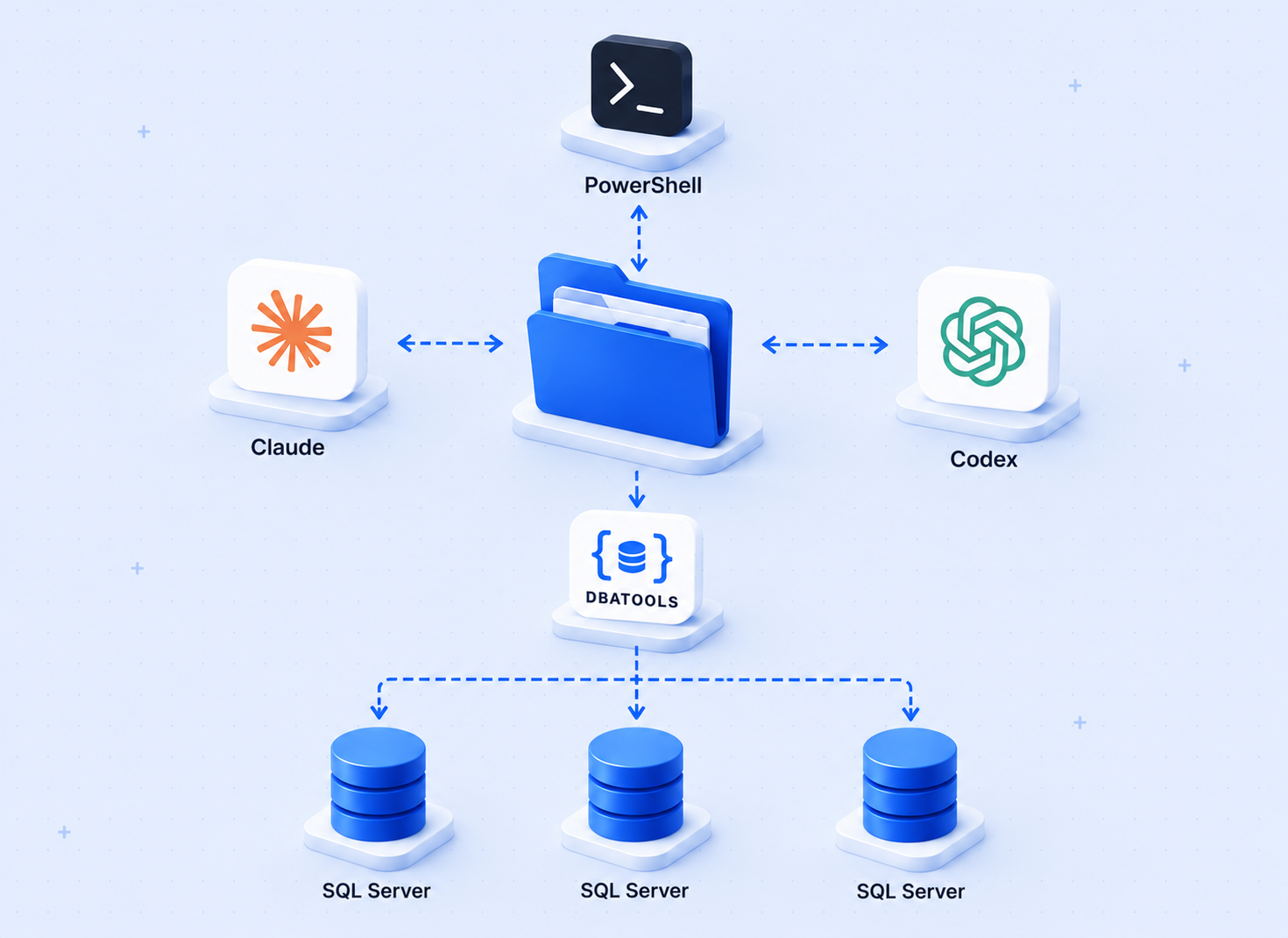
A few days after I published Conductor, I kept using it for real tasks and hit three problems. First, I had tasks that naturally split into independent subtasks with no reason to run them one at a time. Second, every session started cold — the agents the Conductor created were gone when I closed the browser. Third, describing a problem in text is sometimes slower and less accurate than just showing it — a screenshot of an error, a log file, a config snippet.
All three are fixed in this update. Here is what changed.
The source code is on GitHub.
The New UI
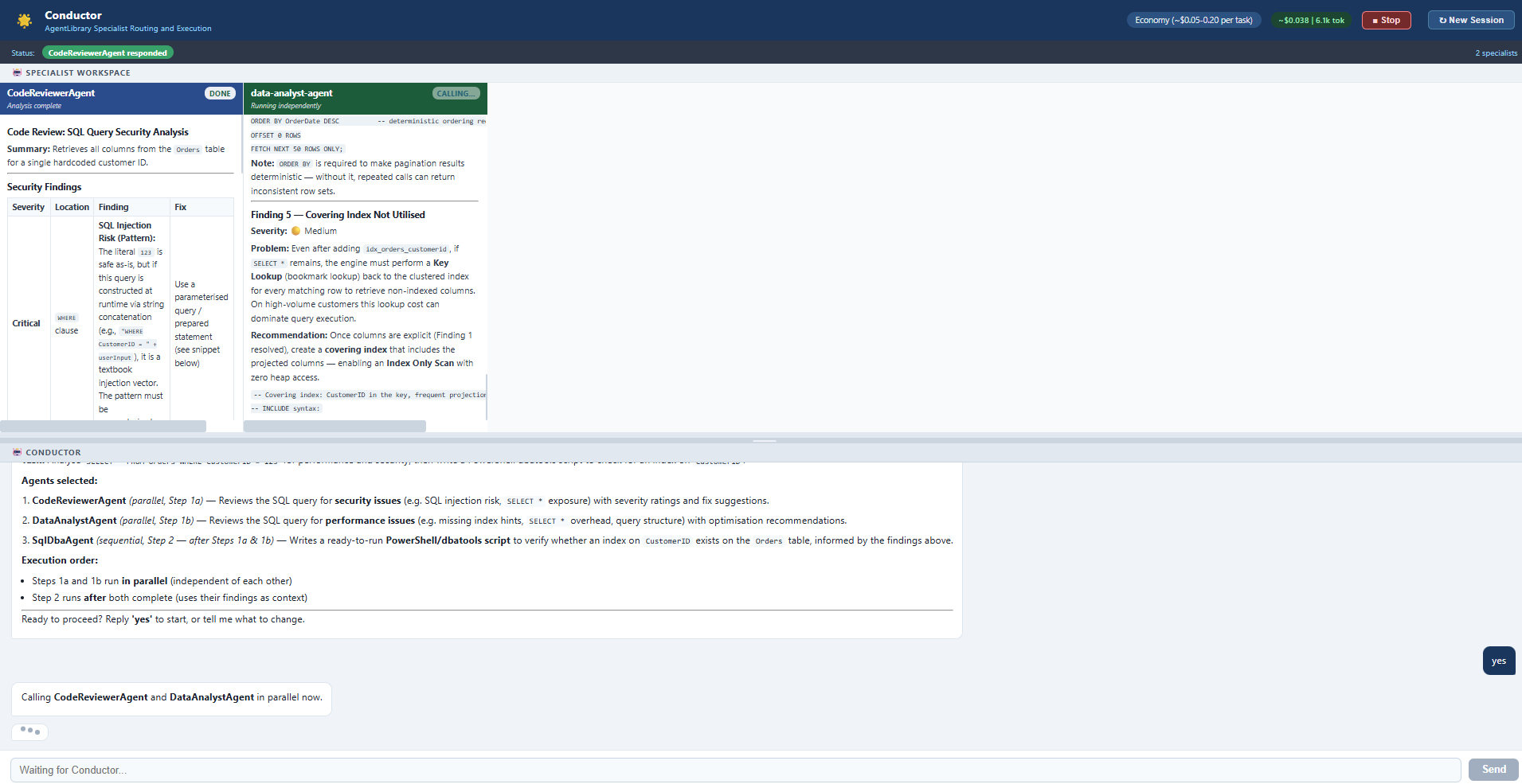
The layout changed significantly. The screen is now split into two sections.
The top section is the Specialist Workspace. Each specialist the Conductor calls gets its own panel here. You can watch each one stream its response in real time as it works. When multiple specialists run in parallel, their panels all appear and stream at the same time. A status badge on each panel shows whether it is running or done.
The bottom section is the Conductor conversation – the routing plan, confirmations, and final synthesized answer.
A resize handle between the two sections lets you adjust how much space each gets.
Parallel Execution
The original Conductor called specialists one at a time, in sequence. That made sense when each agent needed the previous one's output. But a lot of tasks are not like that.
If I ask the Conductor to analyze a SQL query for performance issues AND security risks, those two analyses do not depend on each other. Running them in sequence just wastes time and adds unnecessary tokens to the conversation.
The updated version detects independent tasks and calls those specialists at the same time. Both panels appear and stream simultaneously. When both are done, the results are passed together to the next agent.
To test this concretely, I ran this prompt:
> *"I have this query: SELECT * FROM Orders WHERE CustomerID = 123. Check performance and security in parallel, then write a dbatools script to verify if an index on CustomerID exists."*
The Conductor ran CodeReviewerAgent and DataAnalystAgent at the same time. Both found the same root problem – SELECT * – from different angles. Then it passed both findings to SqlDbaAgent, which wrote a ready-to-run PowerShell script to check the index.
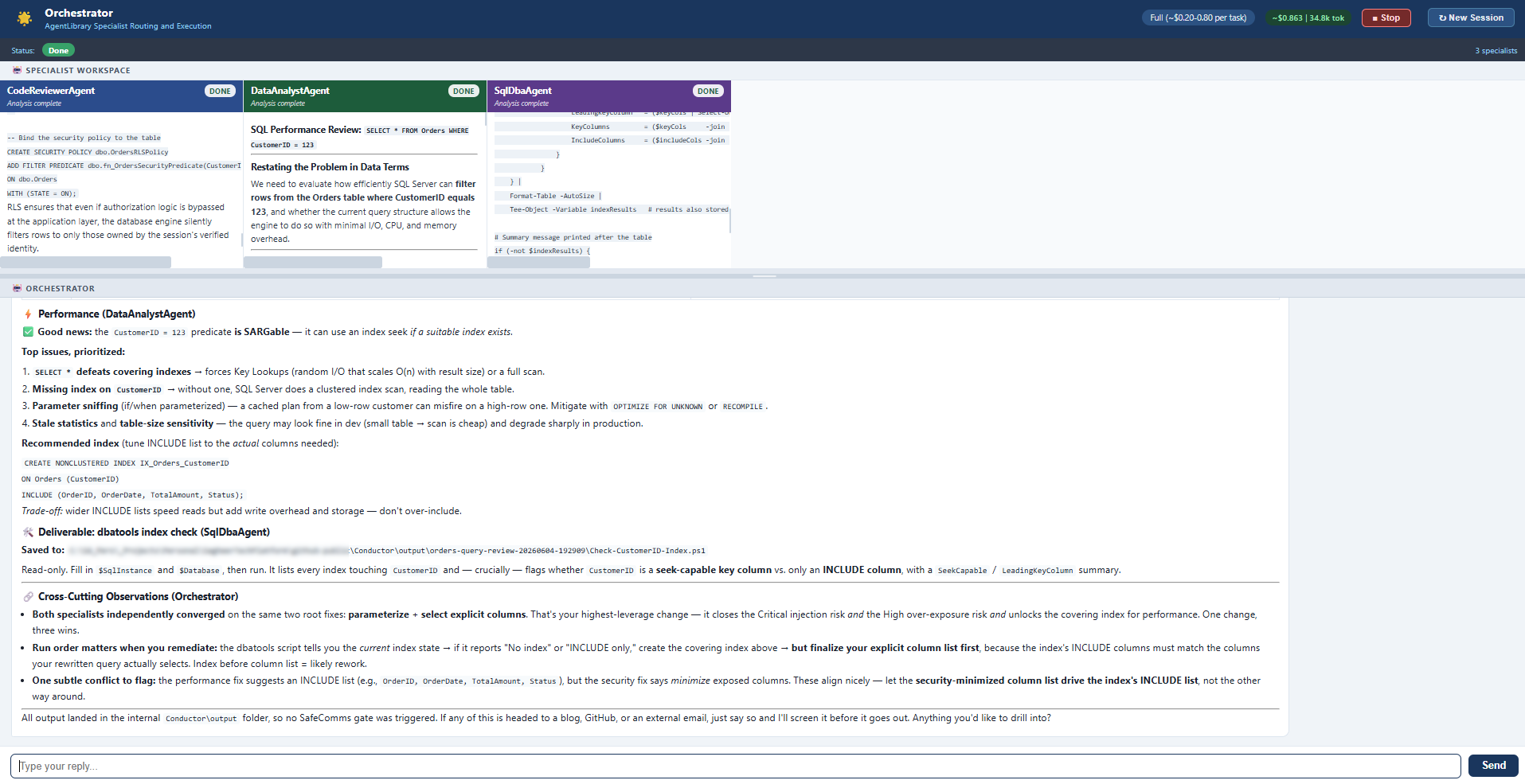
Cost: $0.18 | 42.9k tokens on Economy mode (Sonnet 4.6 for everything).
That is the whole point of Economy mode – use it for testing and iteration. Switch to Full (Opus 4 for routing) when the task needs deeper reasoning.
AgentLibrary
The original Conductor created agents on demand during a session. Useful, but they disappeared when you closed the browser.
The updated version has a persistent AgentLibrary folder with two categories:
Work/agents/– technical and professional specialistsPersonal/agents/– everything else
Each agent is a YAML file with a system prompt, domain description, capability boundaries, and example use cases. The Conductor reads these at the start of every session. Agents created during a session are saved permanently and available to all future sessions.
Four sample agents ship with the repo:
You can add your own by copying the schema file and filling in the fields. Or describe a task that needs a specialist and let the Conductor create one automatically.
Context Passing Between Agents
When a specialist needs the output of a prior one, the Conductor passes that context directly. The receiving agent sees a structured block showing what the previous specialist found before getting its own task.
This means you can chain agents cleanly without manually copying and pasting findings from one panel to another.
Attaching Images and Text Files
Sometimes the fastest way to describe a problem is to show it. A screenshot of an error message, a log file, a config snippet — typing all of that out is slow and you lose fidelity.
The updated Conductor accepts images and text files directly in the chat input. Paste an image from the clipboard (Ctrl+V) or use the paperclip button to pick a file. A preview chip appears above the input so you can see what is attached before sending.
Supported formats:
- Images (pasted from clipboard or picked from disk): PNG, JPG, GIF, WebP
- Text files:
.txt,.md,.py,.ps1,.sql,.log,.csv,.json
When you send, the Conductor reads the content — not just the filename — and uses it directly as task context. It acknowledges what it sees before presenting the routing plan:
> *"I can see an image showing a SQL query: SELECT * FROM Orders WHERE CustomerID = 123."*
Then it routes to specialists as normal, with the image or file content included in each specialist's prepared task. No copy-pasting. No re-typing.
PDF support is planned as a follow-on update.
What Did Not Change
The core workflow is the same. You describe a task, the Conductor proposes a routing plan, you confirm, it executes. The same Flask/SSE architecture, the same Opus 4 + Sonnet 4.6 model split.
One addition: the Conductor now shows its status in the bar during long API calls instead of going silent. And if the browser connection drops during a heavy task, it reconnects automatically instead of showing a dead error screen.
How to Run It
Prerequisites: Python 3.10 or newer
Check if you have it:
If you get "command not found" or the version is below 3.10, install it first:
- Windows / macOS: Download the installer from python.org/downloads. Run it and check "Add Python to PATH" during setup.
- Linux (Ubuntu/Debian):
sudo apt install python3 python3-pip
Once installed, pip is included — no separate install needed.
1. Get an Anthropic API key
Go to console.anthropic.com, sign in or create an account, and go to API Keys. Create a new key and copy it. You will need a credit card to add credits – there is no free tier, but the amounts are small. A typical Economy mode session costs $0.05-0.20.
2. Clone and install
3. Set your API key
4. Run
Open http://localhost:5002 in your browser.
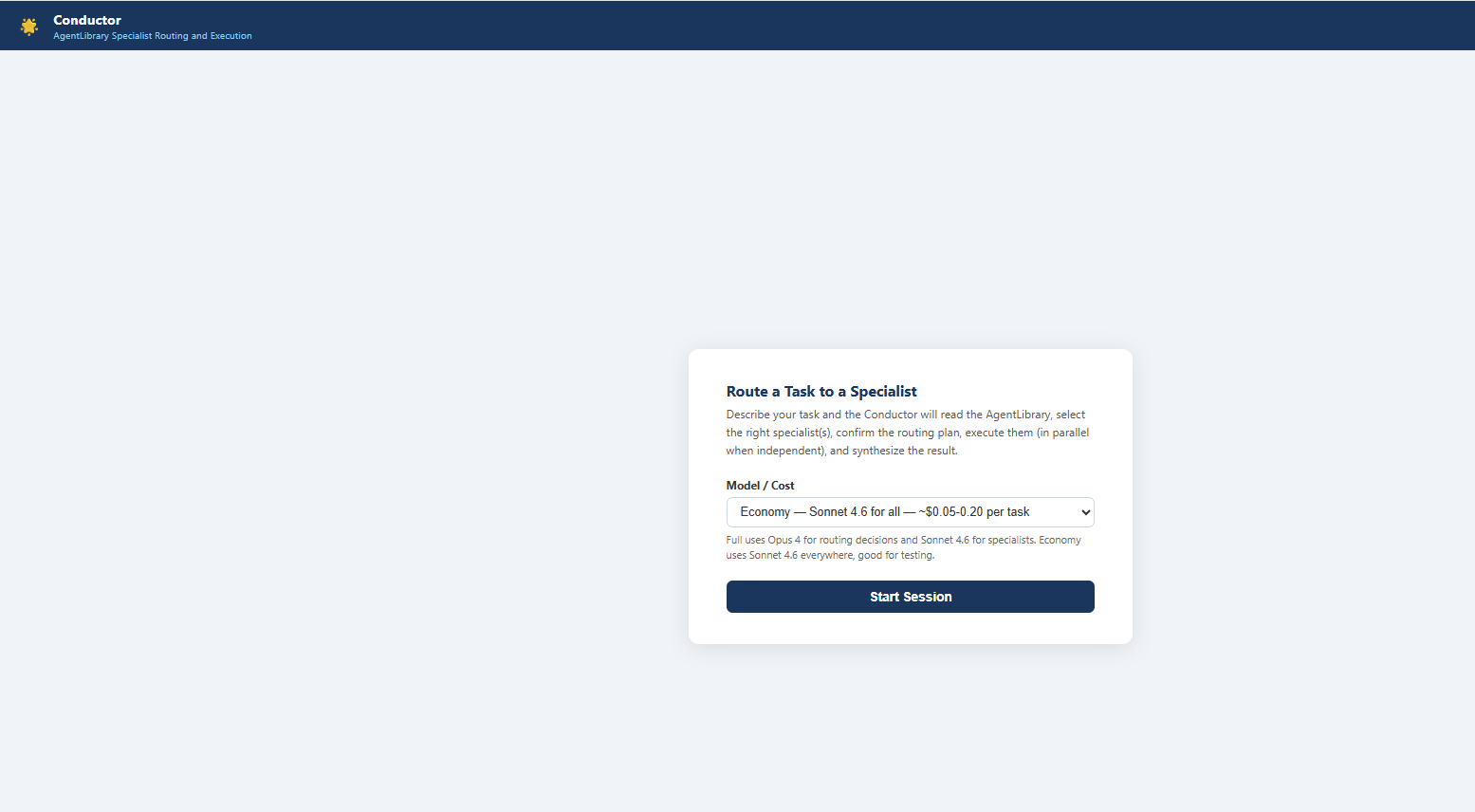
The config.py file has comments on every setting – paths, models, output directory, and environment context for specialists.